How To Find The Code Redemption Modal?
If you have a code that you received, for example from an event or giveaway, you might be wondering where to redeem it. Go to the account settings page and scroll all the way down — there you'll find the button labeled "Redeem Reward Code".
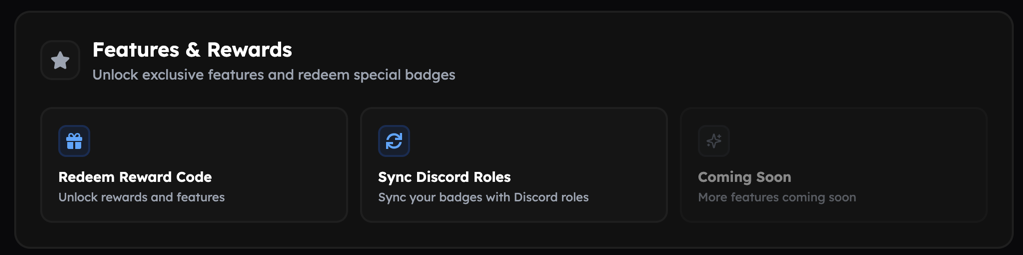
Redeem a Code
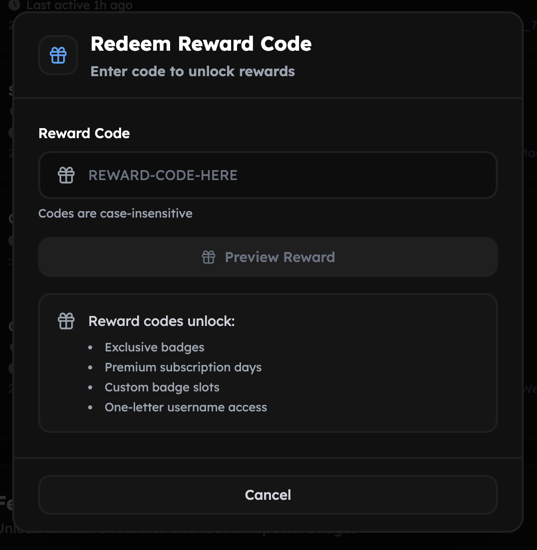
After clicking the button, you'll be able to enter your code. Once entered successfully, you'll have another chance to confirm that the reward (for example, a badge) is the correct item. Confirm the claim and the item will be added to your account.
Troubleshooting
Code doesn't exist
If you see this error, the code you entered does not exist or is no longer valid. You may also have mistyped it — please check that the code was entered correctly.
Code is no longer available
If this error comes up, the code you are trying to use has been disabled, e.g. because the event is over.